Customer Groups
Overview
Customer groups are a powerful feature that allows you to organize your customers associated notes and discount values. It feature offers a comprehensive solution for managing customer data effectively. By providing dedicated List, Add, and Edit pages, users can easily navigate and manipulate customer information as needed, enhancing overall system usability and efficiency.
Customer Group List
The List page provides users with an overview of all existing customers within the system. Key functionalities of this page include:
- Displaying a tabulated list of customers, including their names, notes, and discount values.
- Ability to sort and filter customer data based on various parameters such as name or discount value.
- Quick access to individual customer details for editing or viewing.

Add Customer Groups
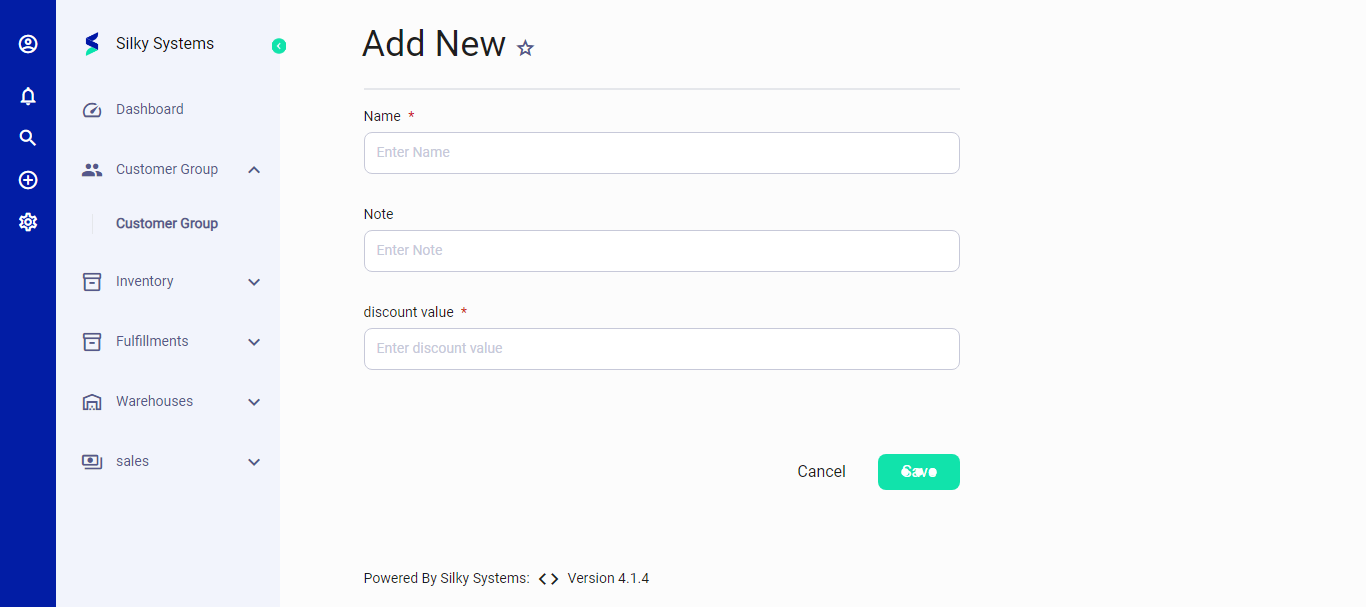
The Add page enables users to incorporate new customers into the system. Key features of this page include:
- Input fields for entering customer details such as name, notes, and discount value.
- Validation checks to ensure accuracy and completeness of customer information.
- Option to save newly added customers to the system.
Edit Customer Groups
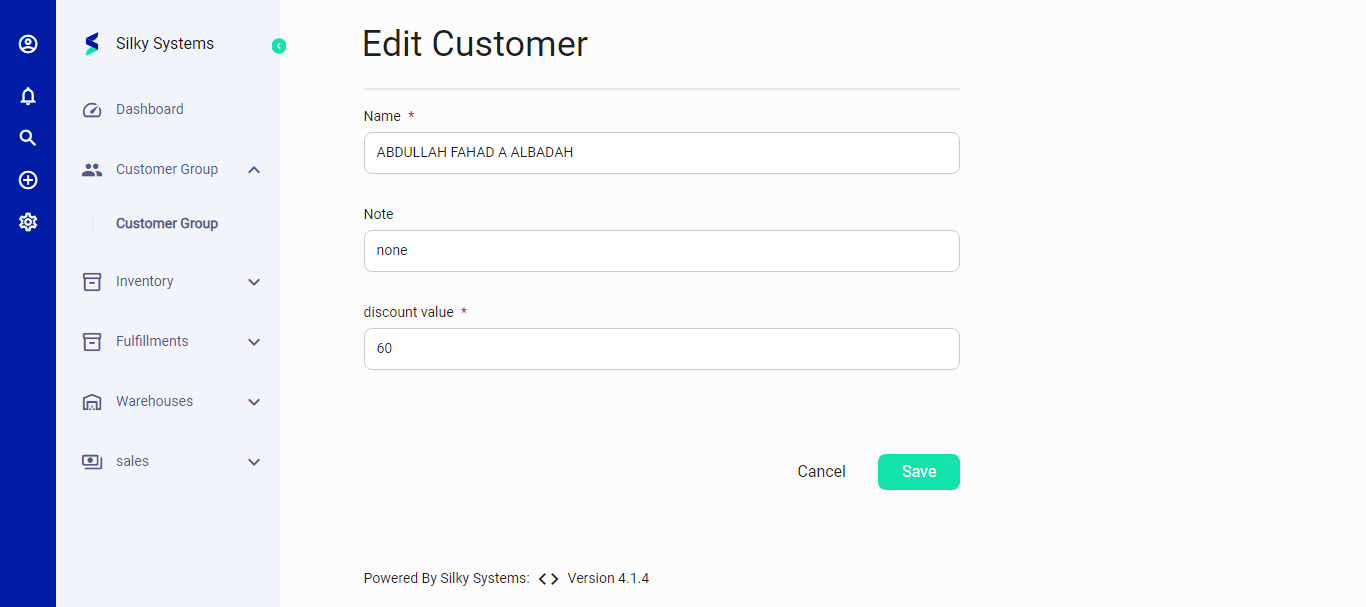
The Edit page allows users to modify existing customer details as needed. This page includes:
- Pre-populated fields with the current customer information for easy editing.
- Ability to update customer notes and discount values.
- Confirmation prompts to ensure accurate changes before saving.